Guide — South Africa
Adding card payment to a vending machine in South Africa
This guide is for vending, snack, drink and ice-cream machine operators in South Africa who want to add card payment to a machine that only takes cash today. It covers what to check on the machine, what connectivity you need, what changes at the point of sale, what you’ll see afterwards, what a quote covers, and how long the whole process takes.
Check the machine
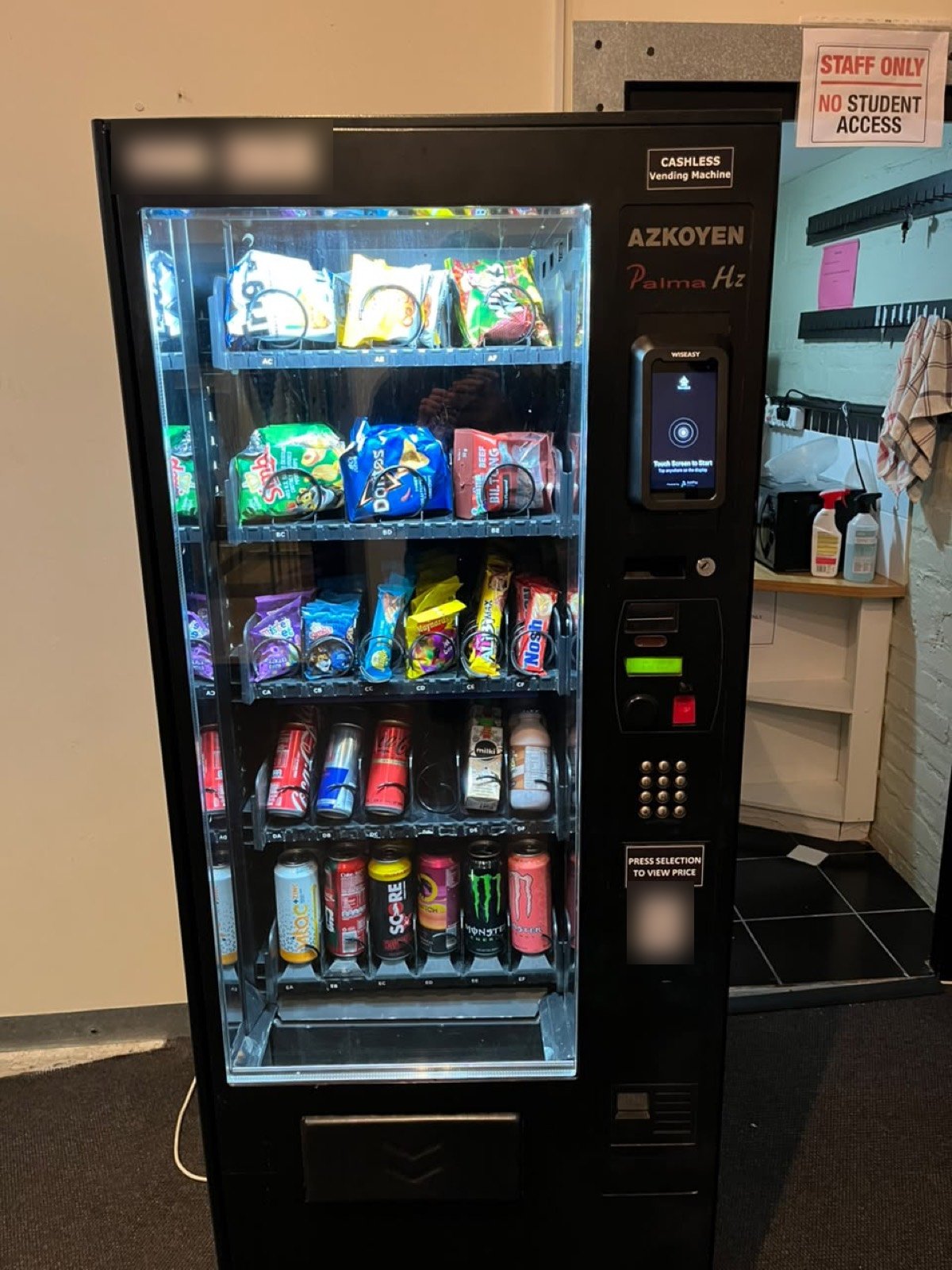
Most vending machines speak MDB (Multi-Drop Bus), the standard payment connection vending machines use, and the VendBot P5L connects directly to it. Not sure whether yours does? Tell us the make and model and we’ll confirm before anything is quoted.
Machines that don’t run MDB — older coin-only laundry, car wash or arcade equipment, for example — are the job of VendBot Pulse, now in pilot: a terminal plus a wiring harness matched to your equipment, scoped per site.
Choose connectivity
The terminal needs a network connection to take a card payment and post the sale to the portal. WiFi is the default — and if the site’s WiFi drops, the terminal switches to cellular automatically, then switches back once WiFi is available again. You don’t need to plan a whole new connectivity setup for this: tell us what’s on site today and we’ll confirm what’s needed.
What the terminal does at the machine
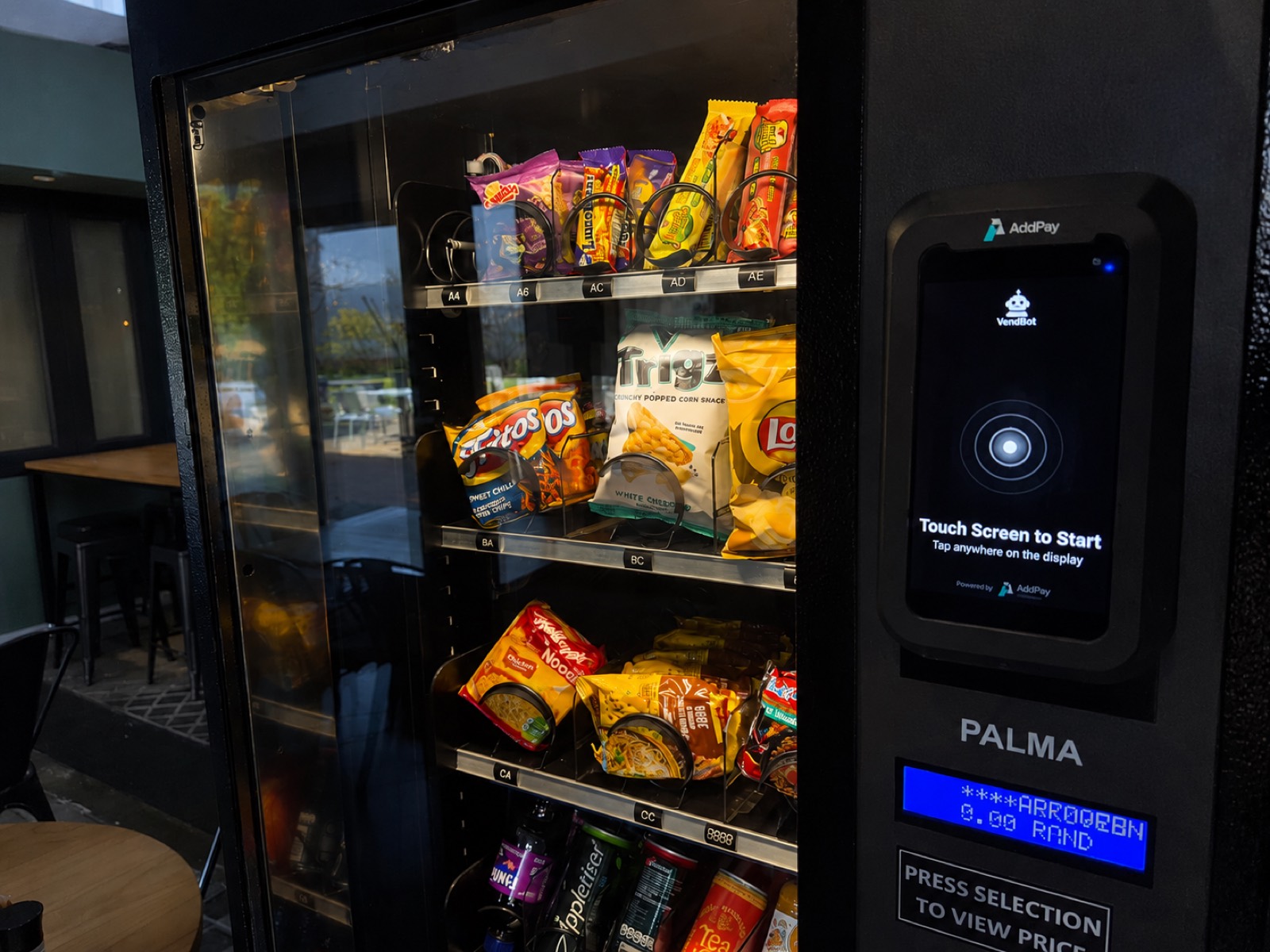
At the machine, the P5L takes a tap or a dip, with a PIN on the terminal when the card requires it — the same flow a customer already knows from a shop counter. Contactless bank cards, Apple Pay and Google Pay work over NFC; cards that don’t tap can be dipped.
Cash still works too: cash sales over MDB are captured on the same machine and reconciled alongside card sales, not counted separately.
What the portal shows after go-live
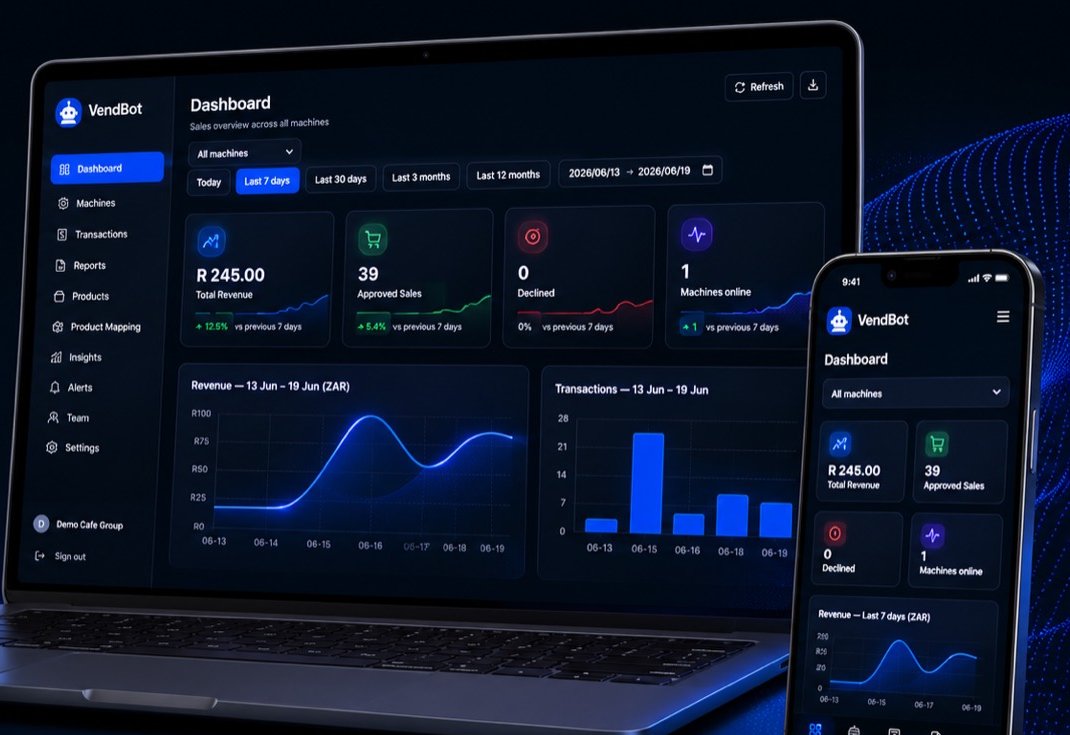
Once the terminal is live, every machine sends a heartbeat every three minutes, so a problem shows up in the portal before you have to drive out and look. Power-loss and power-restore events log themselves, and sales — cash and card — land reconciled and ready for month-end.
If the connection drops, sales wait in an offline queue on the terminal and go to the portal once it reconnects. See more on Platform.
Paperwork and timeline
Getting a machine live is a short paperwork trail, not a long project. You send your KYC documents, VendBot loads them into AddPay’s onboarding portal, and AddPay verifies and approves the merchant before issuing the agreement.
Each terminal is then tied to its machine’s serial number and bench-tested, and the machine is marked live automatically on its first real, approved sale. Typically that whole process is done within 48 hours of document approval, often the same day. See the full four-step breakdown on Payments & Hardware.
What a quote covers
Pricing is quoted per site rather than published as a fixed number, but the components are consistent from quote to quote: the VendBot P5L terminal itself, data SIM and connectivity with automatic cellular fallback, the software and telemetry in the VendBot portal, installation — fitting the terminal to your machine, with local installation support — and a per-transaction card processing fee through AddPay.
Tell us your machine and site and we’ll put those components into a quote for you. See the full breakdown on Payments & Hardware.
Common questions
- Will this work with my existing vending machine?
- If it runs MDB, yes — tell us the make and model and we’ll confirm before quoting anything. If it doesn’t, ask us about VendBot Pulse, now in pilot for non-MDB machines.
- Do I need to install new WiFi?
- Not necessarily — a normal site WiFi connection works, with automatic cellular fallback if it drops.
- How long does the whole process take?
- Typically live within 48 hours of document approval, often the same day.
- How is card data handled?
- Card data is stored masked only — scheme and last 4 digits. See our Privacy Policy.
- Can I still take cash?
- Yes — cash sales over MDB are captured and reconciled alongside card sales on the same machine.
Ready when you are
Get a quote for your site
Tell us what you’re running and where. We’ll come back with a plan for your site, not a standard script.